Phonidex
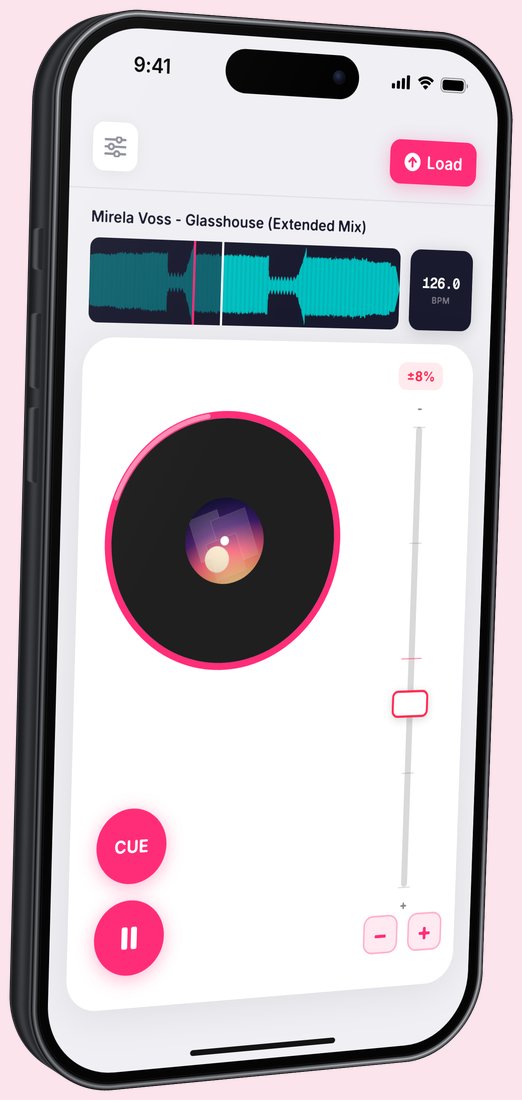
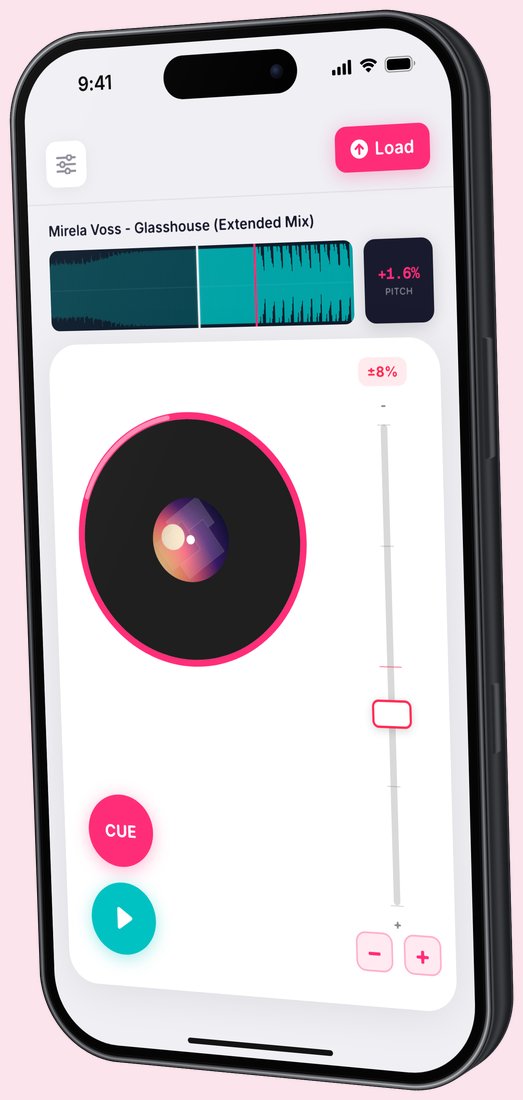
A turntable in your pocket. Load a track from your phone and play it like you would on a real deck: scratch the platter, set cue points and ride the pitch fader.
- Role
- Design and development
- Platform
- iPhone
- Built with
- SwiftUI, Xcode
- Status
- Working prototype
A deck that fits under your thumbs
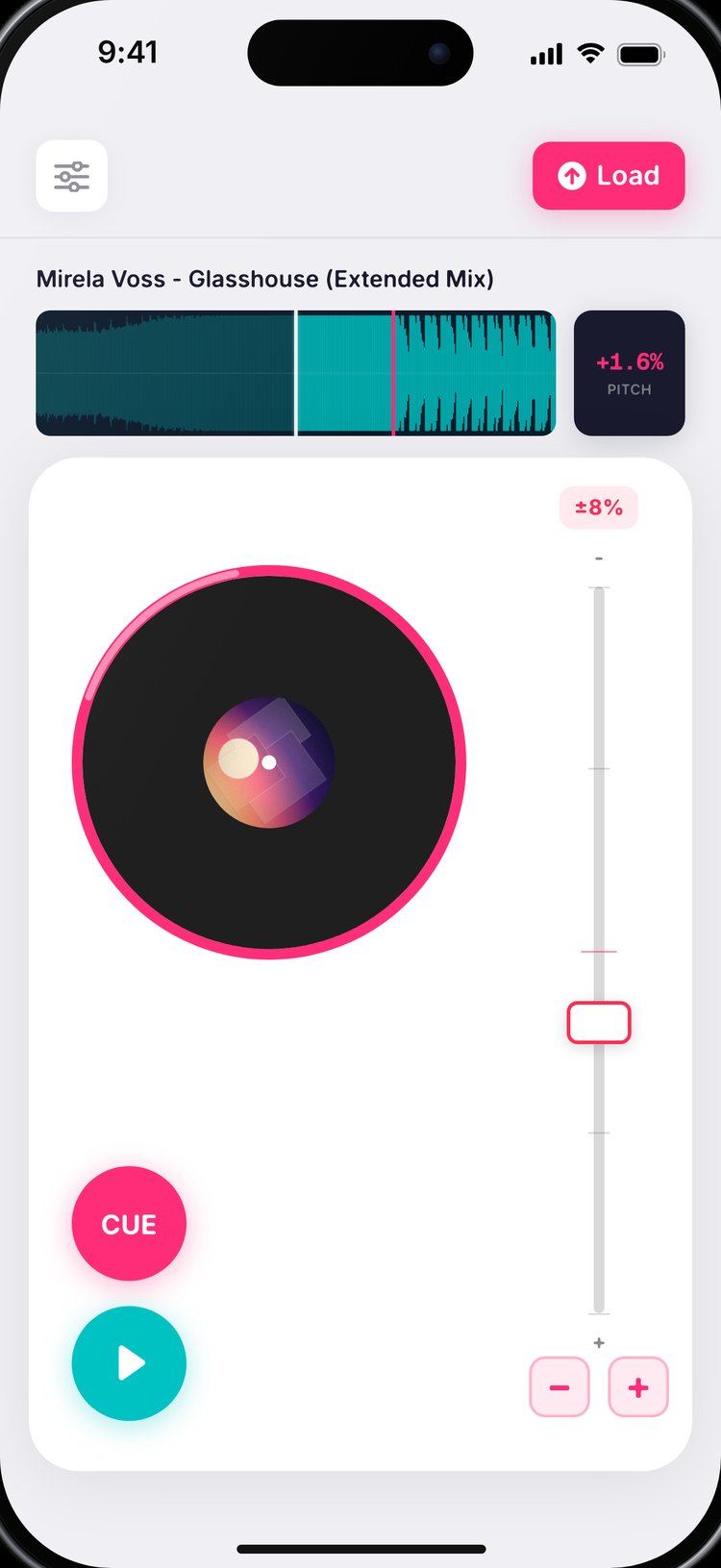
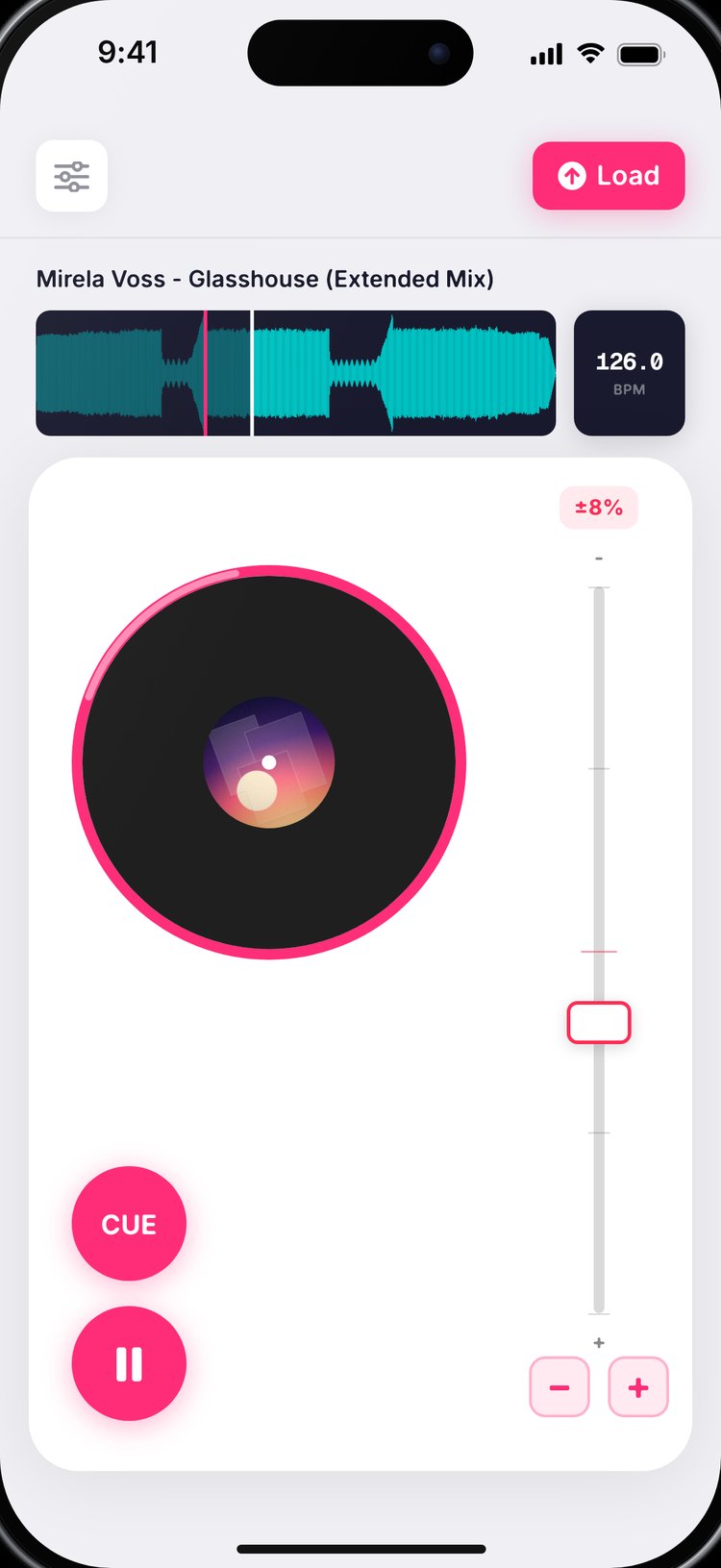
Everything you'd touch on a real turntable had to work on a small glass screen, so every control is big, colour-coded and sits where your hands already are.
Scratch the platter
Drag on the platter to scratch. Playback follows how fast your finger turns (one full turn a second is normal speed), and scratching nearer the centre goes faster, just like a real record.
Cue and play
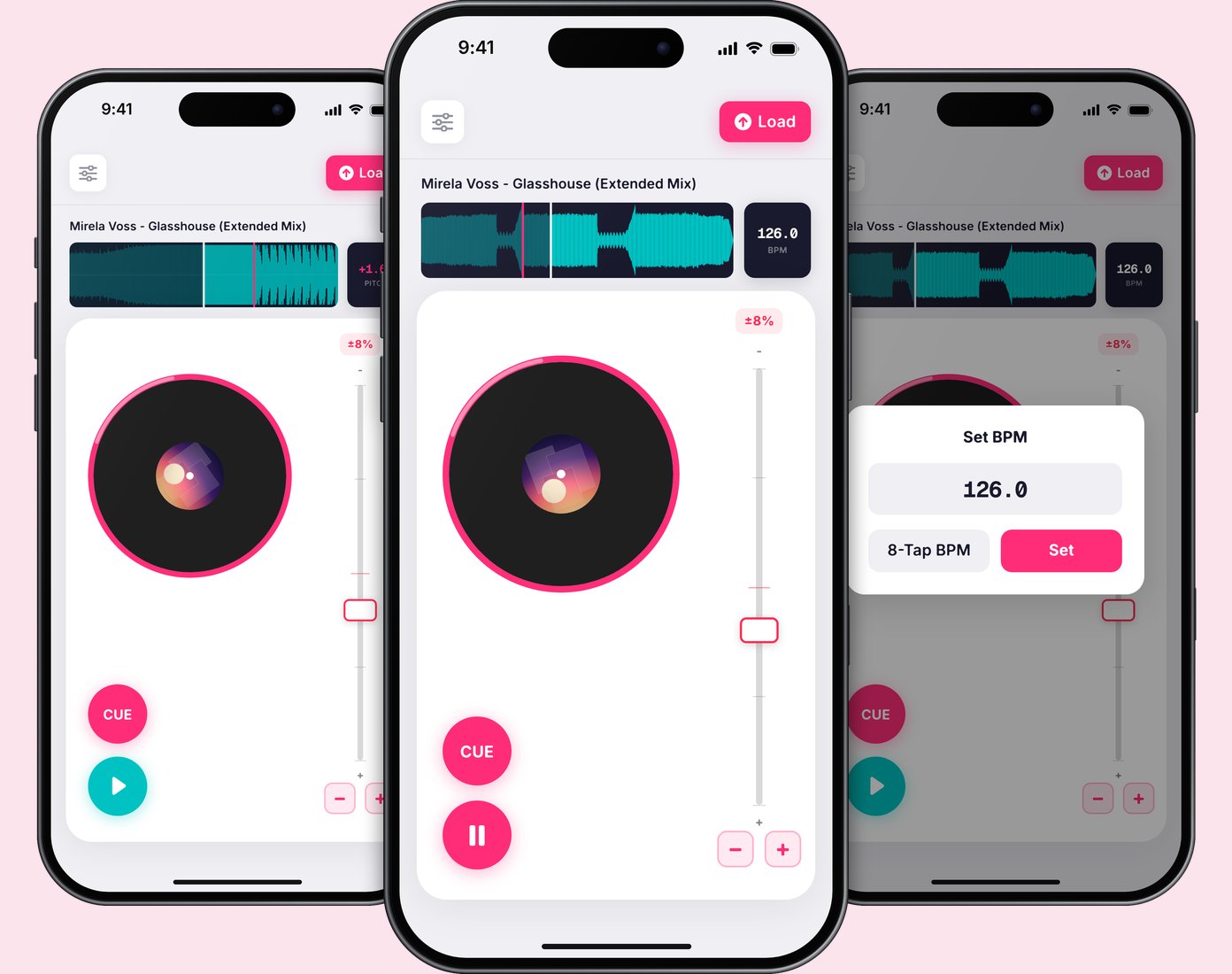
Big cue and play buttons sit at the bottom of the deck in the app's pink and teal, so you can find them at a glance mid-mix.
Pitch and nudge
A pitch fader with a choice of ranges, plus nudge buttons to pull a track back into time.
Know the tempo
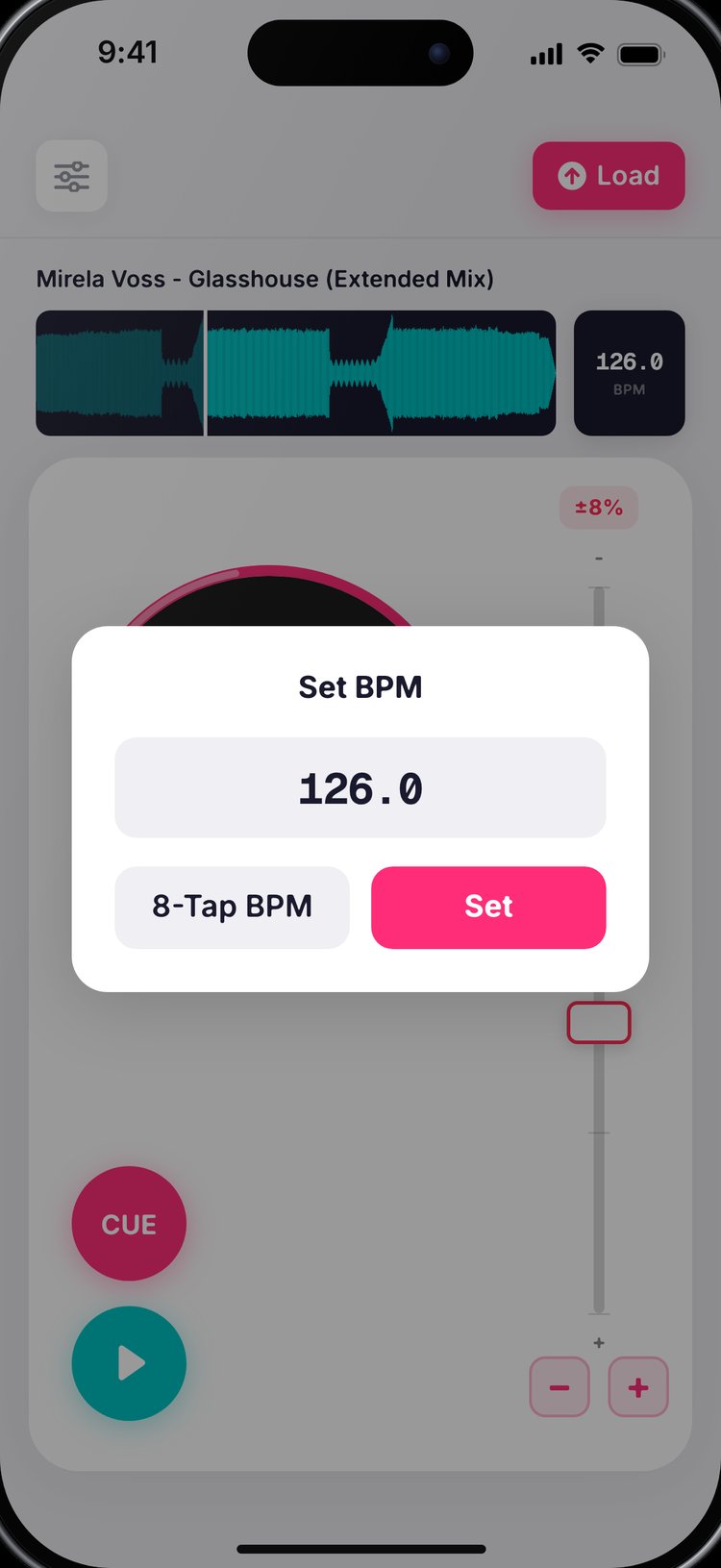
The waveform shows your cue point. BPM is detected automatically, or you can type it in or tap along for eight beats. Swipe the BPM display to switch to pitch percentage.
Working on a real phone
Phonidex runs on iPhone as a working SwiftUI prototype. Load a track, and the deck, waveform and tempo tools all respond to touch the way they would on a turntable.